

Most sole traders don’t fall behind on their books because they’re careless. They fall behind because they’re the salesperson, the delivery driver, the customer service line and the bookkeeper, often before lunch. Admin is the job nobody hired you to do, so it slides to the bottom of the pile. Then January arrives, you’re staring at a year’s worth of receipts in a carrier bag, and the Self Assessment deadline is two weeks away.
Cloud accounting won’t make you enjoy bookkeeping. But it can stop the year-end scramble, and with the way HMRC is changing the rules for sole traders, getting your records into a tidy digital system has gone from “nice to have” to something you genuinely need to think about. Here’s how to make it work for a one-person business without turning yourself into a part-time accountant.
Why messy books cost you more than the stress
The obvious problem with disorganised records is the panic. The less obvious problem is the money.
When you’re reconstructing a year from memory and a pile of paper, you forget things. The £6 parking charge, the software subscription, the train fare to see a client, the home-office costs you were entitled to claim. Every expense you miss is profit you get taxed on unnecessarily. Across a full year, that adds up to a real number.
Then there’s cash flow. If you only look at your figures once a year, you have no idea in June whether you’re actually making money or just moving it around. Plenty of sole traders feel busy and assume that means they’re doing well, right up until the tax bill lands and there’s nothing set aside to pay it. Late filing and late payment also come with penalties and interest from HMRC, so the disorganised approach quietly charges you a fee on top of everything else.
Good records aren’t about keeping HMRC happy. They’re about you knowing where you stand.
What cloud accounting actually changes for a sole trader
The phrase “cloud accounting” makes it sound more complicated than it is. In practice it just means your bookkeeping lives online instead of in a spreadsheet on one laptop or a folder of paper. That shift sounds small. It changes a few things that matter quite a lot.
Your bank does most of the typing
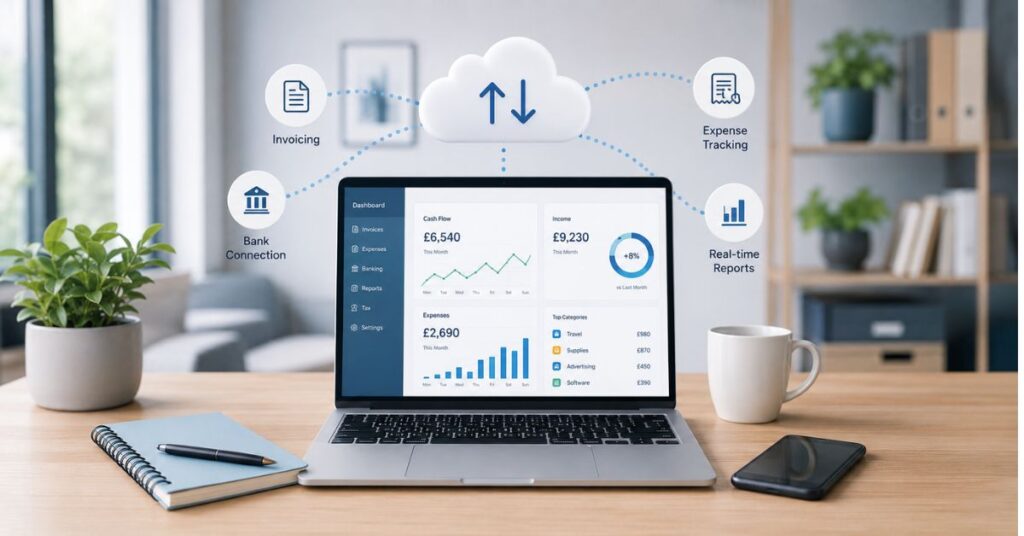
This is the part that wins people over. You connect your business bank account to the software through a secure bank feed, and your transactions flow in automatically every day. Instead of typing in every payment, you’re glancing at what’s already there and confirming what it was. A £40 payment to a fuel station gets categorised as travel in about two seconds.
For a sole trader, this is the difference between an hour of data entry on a Sunday night and ten minutes with a coffee. The software also starts to learn your regular suppliers and suggests the category for you.
You can work from your phone
Bought materials at a trade counter? Snap the receipt with the app on your way back to the van and it attaches to the transaction. No more faded thermal-paper receipts living in a glovebox until they’re unreadable. The record is captured at the moment it happens, which is the only time you actually remember what it was for.
Your accountant sees the same numbers you do
With cloud software, you and your accountant log into the same live file. There’s no emailing spreadsheets back and forth, no “which version is the latest one”. If something looks off in March, it can be fixed in March instead of being discovered the following winter. That alone tends to make the year-end far cheaper and far less dramatic.
Making Tax Digital is changing the rules, so this matters now
If you’ve heard accountants going on about MTD, this is why. Making Tax Digital for Income Tax brings sole traders and landlords into a new way of reporting to HMRC, and it’s being rolled out by income level.
The first stage applies to sole traders and landlords with qualifying income above £50,000, with lower income bands brought in over the following couple of years. The thresholds and exact timing have shifted before, so it’s worth confirming where you sit with HMRC or your accountant rather than assuming. But the direction of travel is clear and it isn’t reversing.
Under MTD, two things change for you:
- You’ll need to keep your business records digitally, not on paper or in a basic spreadsheet that doesn’t connect to HMRC.
- Instead of one annual Self Assessment, you’ll send HMRC quarterly updates through compatible software, with a final declaration after the year ends.
Here’s the honest read on it: if you’re already keeping tidy digital records, MTD is a minor change to how often you press a button. If you’re still doing the shoebox method, the quarterly deadlines will be brutal. Getting onto cloud software now, before you’re forced to, means you learn the system on your own timetable instead of HMRC’s. The sole traders who struggle with MTD will mostly be the ones who left it to the last minute.
Setting your system up so it stays tidy
Software only helps if it’s set up sensibly. A few decisions at the start save you a lot of mess later.
- Open a separate business bank account. This is the single most useful thing you can do. When personal and business spending share one account, every reconciliation becomes a guessing game about whether that supermarket trip was lunch with a client or your weekly shop. Keep them apart and your books almost sort themselves.
- Connect the bank feed straight away. There’s no point having the software if you’re still typing transactions in by hand. Link the account on day one.
- Set up your common categories early. Travel, materials, subscriptions, equipment, whatever fits your trade. Once they’re there, categorising becomes a quick choice rather than a decision.
- Decide what counts as a business expense before you start guessing. If you’re unsure whether your phone bill or mileage qualifies, ask your accountant once and apply the answer consistently. Guessing differently each time creates the mess you’re trying to avoid.
The habit that keeps it all working: little and often
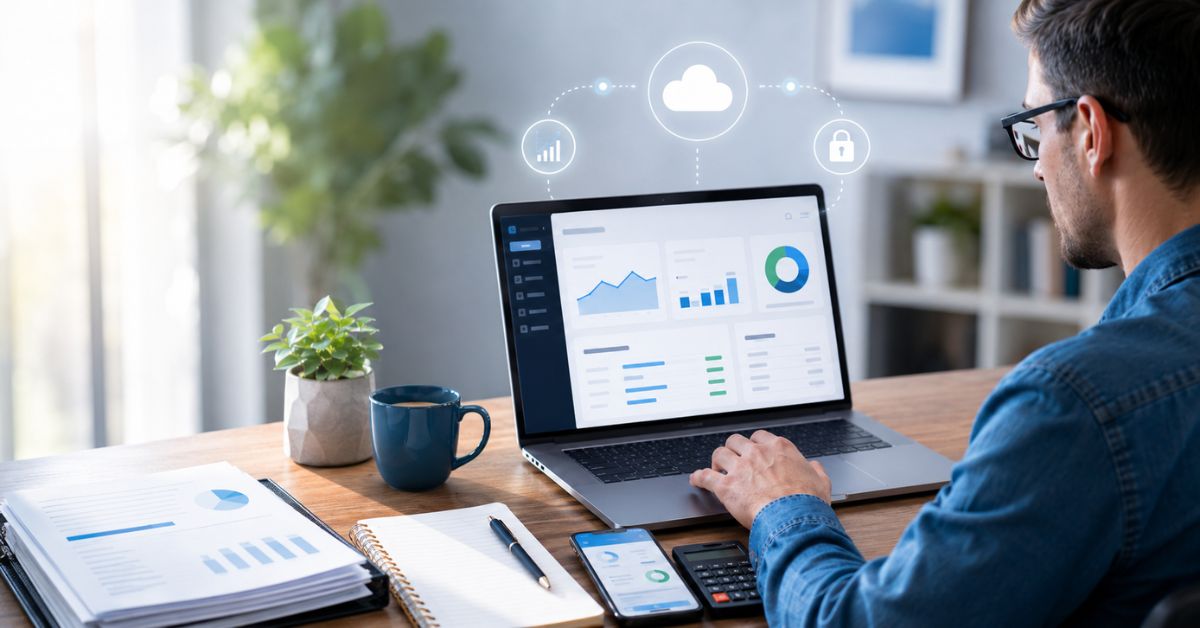
No software fixes a once-a-year mindset. The sole traders with genuinely tidy books almost all do the same thing, which is touch their accounts in small amounts, regularly, rather than in one annual marathon.
A realistic routine looks like this. Once a week, spend ten minutes confirming the transactions that have come in through the bank feed and matching them to receipts. Once a month, send out any invoices that are due and chase the ones that are overdue, because cash you’ve earned isn’t much use sitting in someone else’s account. Every quarter, look at whether you’re actually profitable and put aside money for tax so the bill never surprises you.
That’s it. The whole point of doing it weekly is that ten minutes is nothing, whereas a year’s backlog is a lost weekend and a headache.
Choosing software that fits a one-person business
A sole trader does not need the same tool as a company with fifty staff, and paying for one is a waste. When you’re looking, the things that actually matter are simpler than the marketing suggests:
- It connects to your bank for automatic feeds.
- It has a decent mobile app for receipts and invoicing on the go.
- It’s MTD-compatible, so it can file directly with HMRC.
- It’s built for self-employment, with Self Assessment in mind rather than complex limited-company reporting you’ll never use.
Xero, QuickBooks and FreeAgent all serve sole traders well, and FreeAgent in particular leans towards smaller self-employed users. The best one is usually whichever your accountant works with day to day, because then they can support you properly and spot problems early. Ask them before you subscribe to anything.
Knowing when to hand it over
Cloud software makes the day-to-day manageable on your own. It doesn’t replace judgement. Knowing which expenses are allowable, how to handle your first year, whether you’d be better off as a limited company, how to plan for a tax bill that’s growing as your income does: these are the questions where a short conversation with an accountant saves you far more than it costs. The software keeps the records clean. A good accountant tells you what the records mean and what to do about them.
The bottom line
Staying organised as a sole trader isn’t about being naturally tidy or enjoying admin. It’s about setting up a system that does the boring work for you and then spending a few minutes a week keeping it honest. Cloud accounting gives you that system, your numbers update as you go, your receipts get captured the moment you spend, and you walk into year-end already prepared instead of dreading it.
With Making Tax Digital pulling sole traders into more frequent reporting, the gap between the organised and the disorganised is only going to widen. The ones who set this up now will barely notice the change. If you’d rather be in that group, the time to move your records into the cloud is before the deadline forces your hand, not after.
Frequently asked questions
Do I really need accounting software as a sole trader, or is a spreadsheet enough?
A spreadsheet can work while your income is low and your transactions are few. But once Making Tax Digital applies to you, you’ll need records kept in compatible software that can file with HMRC, and a basic spreadsheet won’t do that on its own. Most sole traders find software saves enough time to justify itself well before they’re legally required to use it.
When does Making Tax Digital for Income Tax affect me?
It’s being introduced in stages based on your income, starting with those earning above £50,000 and bringing in lower income bands over the following years. Because the thresholds and timing have changed before, check your exact position with HMRC or an accountant rather than relying on a general figure.
How much time does cloud accounting actually take each week?
For a typical sole trader, about ten minutes a week once it’s set up. You confirm the transactions that have come in through your bank feed, attach any receipts, and you’re done. The work only piles up if you ignore it for months.
Is cloud accounting software safe for my financial data?
Reputable providers use bank-level encryption and secure logins, and your data is backed up automatically, which is safer than a single laptop that could be lost or stolen. Use a strong password and turn on two-factor authentication for an extra layer.
Can my accountant work with the software I choose?
Usually yes, but it’s far better to ask first. Most accountants have one or two packages they use every day, and choosing one they support means they can log into your live file, fix issues early and answer questions quickly. Pick the software around the accountant, not the other way round.